
Secure Stream
Stream Smarter. Capture Everything. Win Bigger.
Everything your team needs to Observe
Two Ways to Watch
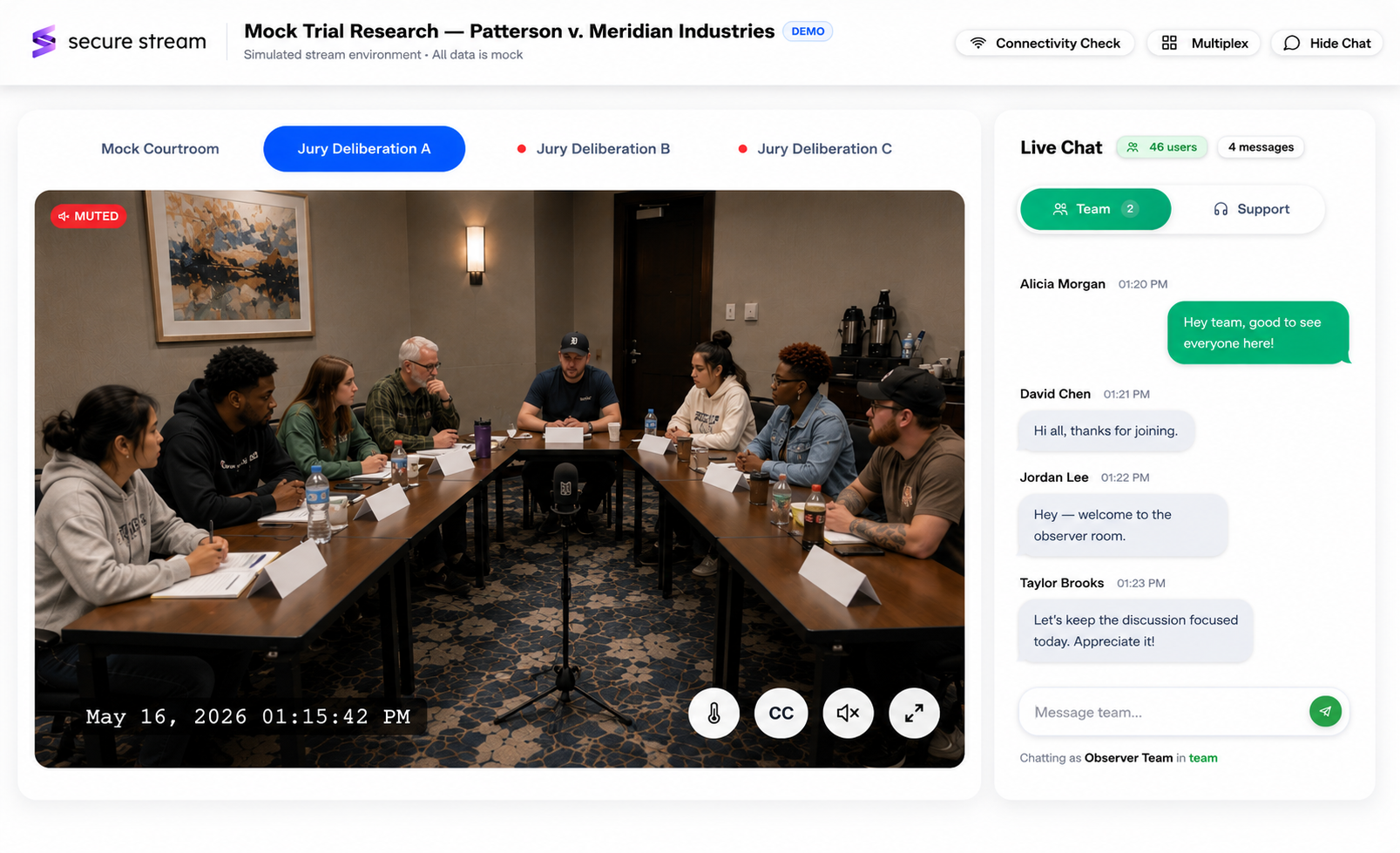
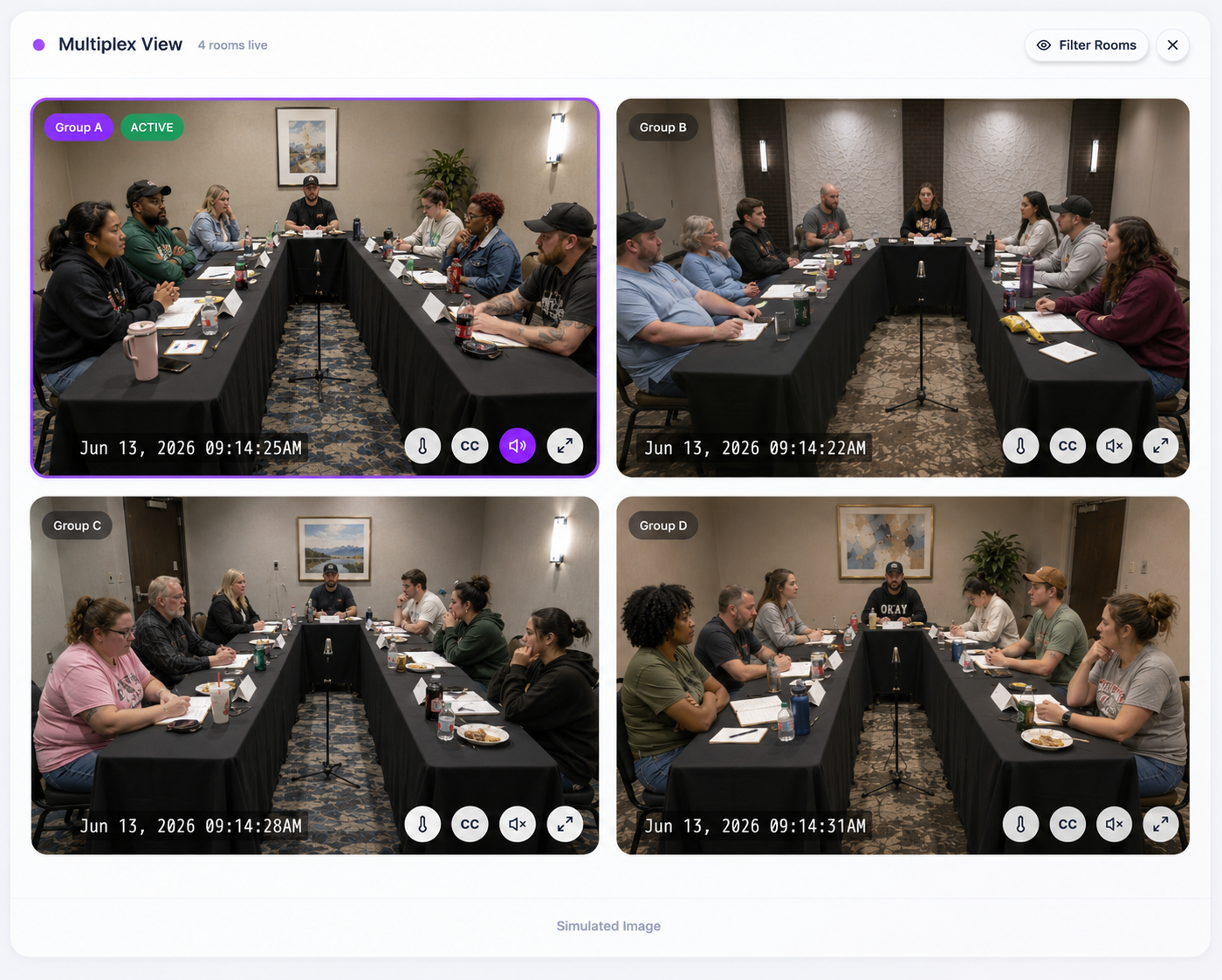
Focus on one room with full-size video. Team chat stays visible on the right. Switch rooms instantly from the tab bar.
Full Support
We've Got You Covered
From pre-stream checks to live support and real-time collaboration tools.
Pre-Stream Connectivity Check
Before you go live, our diagnostics verify your audio, video, and network. Know everything works before the session starts.
Live Support Chat
Issues during a session? Our support team is standing by in real-time. Get help without leaving your stream.
Team Chat
Coordinate with colleagues in real-time. Share observations, flag key moments, and stay synced in a private team channel.
Live Captions
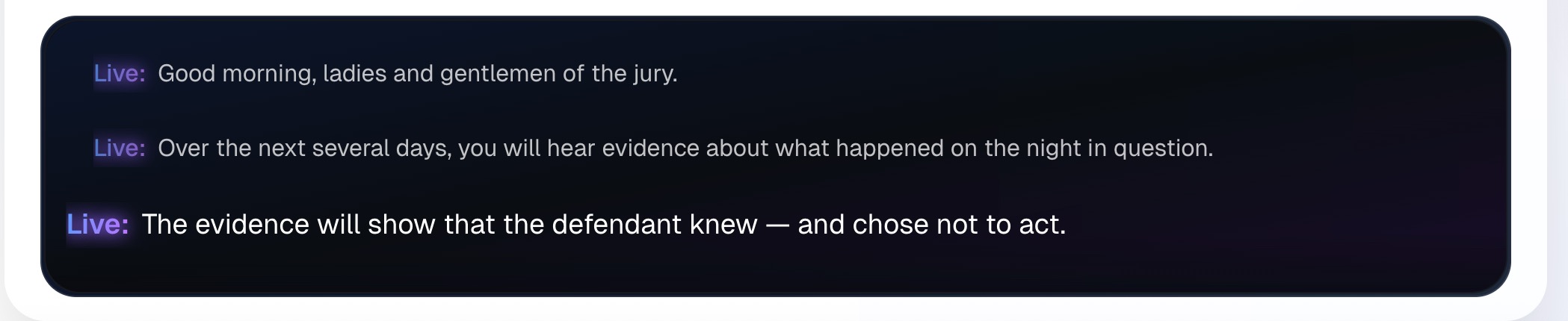
Follow every word as it's spoken. Real-time captions appear on-screen, making it easy to catch details.
Live Captions
Every word, on screen, the moment it's said.
Three lines of rolling history so you never lose context, with the current spoken line highlighted and synced to the video. Captions are live transcription, so nothing is delayed waiting for speaker tagging.
Live Pulse
Real-Time Room Intelligence
Every room tile displays a Live Pulse panel that gives your team instant situational awareness — no extra clicks, no switching views. Know exactly what's happening in each room as it unfolds.
See whether a room is in active debate, deliberation, or a quiet moment. Updated continuously.
Track whether discussion is balanced, leaning, or polarized across the room in real time.
A live meter capturing how engaged and heated the conversation is at any moment.
Key legal and deliberation themes surface automatically as they emerge in the room.
Dynamics
Active Debate
Alignment
Balanced
Intensity
Med
Deliberation Alignment
Balanced
Alignment trend updates continuously.
Discussion Depth
Score: 5.6/10
Rolling 20-second analysis window.
Detected Themes
Security First
Built for Controlled Access
Private streaming workflows, permissioned rooms, and access controls designed for sensitive legal and research environments.
Controlled Entry
Private links, session codes, and configured access workflows. Limits each session to authorized users.
Host-Managed Access
Hosts and operators can manage who enters a session based on the event workflow.
Protected Streaming Workflow
SecureStream uses private routing, signed playback links, and vendor-supported transport protections that safeguards live and recorded content.
Activity Logging
Key access and platform events may be logged to support troubleshooting, review, and accountability.
Need more security details?
Review our security practices, data handling approach, and subprocessor information.
The session ends. The work begins.
Pair SecureStream with Transcript Interactive and AudioXtract to go from live recording to working record without leaving the workspace.